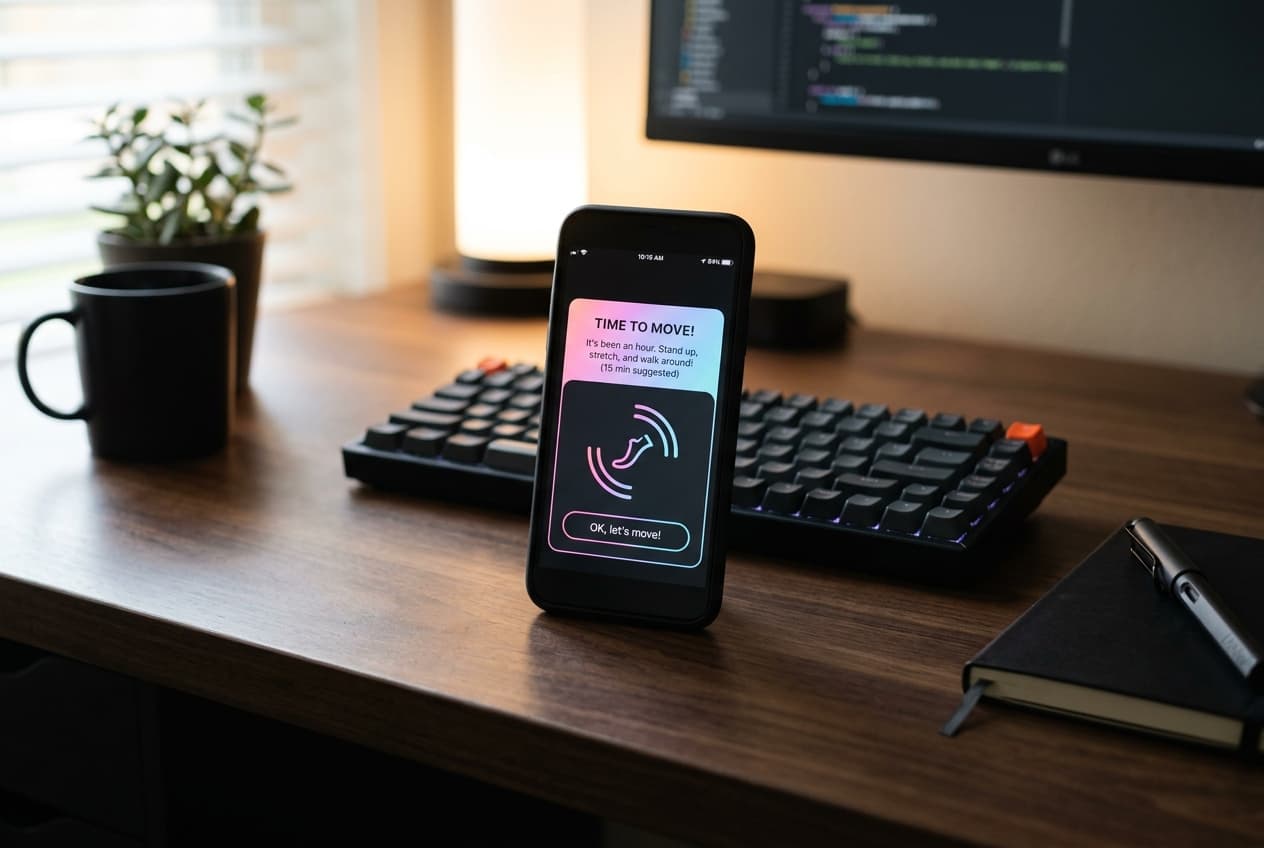
If you work a desk job, you are probably familiar with the hourly stand-up notification. Your smartwatch or phone buzzes, telling you it is time to move. You look at it, realize you are in the middle of an important task or a meeting, swipe the alert away, and keep sitting.
This cycle of disruption and dismissal is why standard stand-up alarms often fail. Instead of helping us build healthy habits, they trigger notification fatigue, leading us to disable them entirely.
To truly prevent sitting too long, we need to transition from rigid, time-based alarms to smart, activity-aware movement reminders. Here is how they work and why they are the key to staying active at a desk job.
1. The Problem with Rigid Break Timers
Most traditional standing desk break timer apps and wearable alerts use what is called a "dumb timer." They are programmed to buzz every 50 or 60 minutes, regardless of what you are doing.
This approach creates two main issues:
- Intrusive Timing: The reminder often hits when you are in a flow state, writing code, or on a call. This creates friction, causing you to view the reminder as an annoyance rather than an encouragement.
- Ignored Movement: If you just walked to the kitchen to grab a glass of water five minutes ago, a rigid timer will still buzz at the top of the hour. Because the app does not realize you have already moved, the notification feels irrelevant, teaching your brain to ignore future alerts.
2. What Makes a Movement Reminder "Smart"?
A smart sedentary reminder app solves these problems by reading your actual physical activity before triggering an alert.
Instead of checking a static clock, a smart reminder checks your step count. If the app detects that you have already walked at least 100 or 200 steps in the last hour, it silently resets its timer and stays quiet.
By integrating with on-device motion data via Apple Health, the app only nudges you when you have genuinely been inactive for a prolonged period. This makes the notifications highly relevant and far less frequent, drastically reducing notification fatigue.
3. Setting Up an Hourly Step Goal
Another common pitfall of fitness reminders is focusing solely on stand-up time rather than active movement. Simply standing at a standing desk is better than sitting, but to boost circulation and energy, you need to actually walk.
Setting an hourly step goal—such as taking 250 steps every hour between 9:00 AM and 5:00 PM—is one of the most effective ways to build a consistent habit.
- It breaks down your large daily target (e.g., 10,000 steps) into small, achievable micro-goals.
- It prevents you from trying to walk a massive distance at the end of the day to make up for hours of sitting.
- It encourages regular, brief walking breaks, which are proven to improve focus and reduce physical stiffness.
4. Designing a Distraction-Free Walking Habit
To make your movement alerts successful, customize them to match your workday:
- Define Active Hours: Configure your reminder settings to match your working hours (e.g., Monday through Friday, 9:00 AM to 5:00 PM). You do not want movement alerts buzzing during dinner or on the weekend.
- Use Quiet Visual Cues: Pair your push notifications with visual, zero-click widgets on your iPhone Home Screen or Lock Screen. A quick glance at a clean progress ring shows you if you are on track for your current hour's step target without distracting you with app menus.
- Pair Alerts with a Habit Loop: Give yourself a specific, simple task when the alert fires. Walk to refill your water bottle, do a quick lap around the room, or do a standing stretch.
Active Progress with Steps Widget
The best habit-building tools are the ones that support you quietly in the background without demanding your attention.
By utilizing Steps Widget, you can set up smart, private movement alerts that sync directly with your Apple Health data. You get the gentle nudges you need to stay active during your workday, visual progress rings that match your iPhone's aesthetic, and the peace of mind that your activity data remains private and local to your device.
Try Steps Widget
Keep your daily steps visible on iPhone, Lock Screen, Home Screen, and Apple Watch with a private Apple Health step counter widget.
Back to home