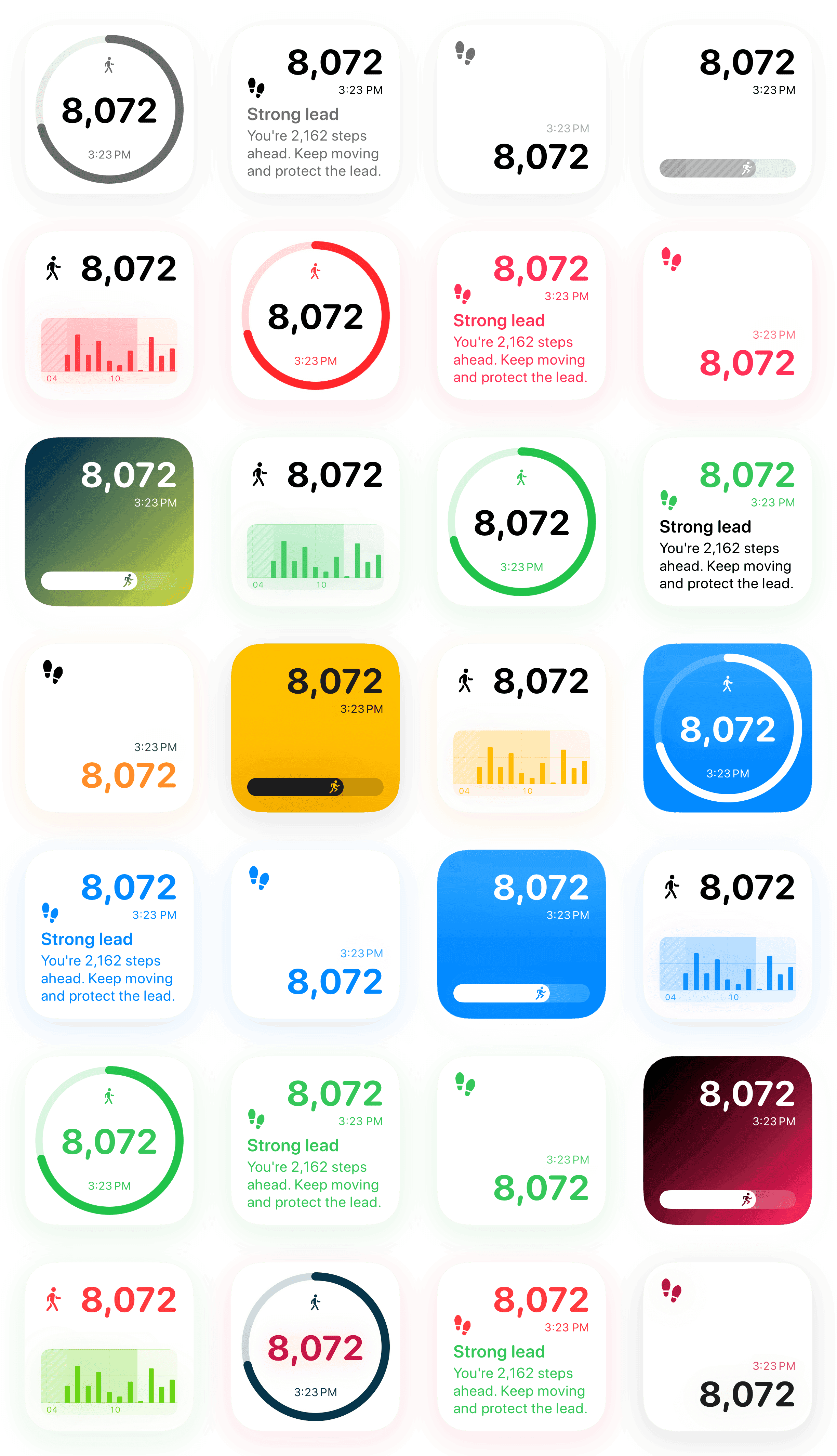
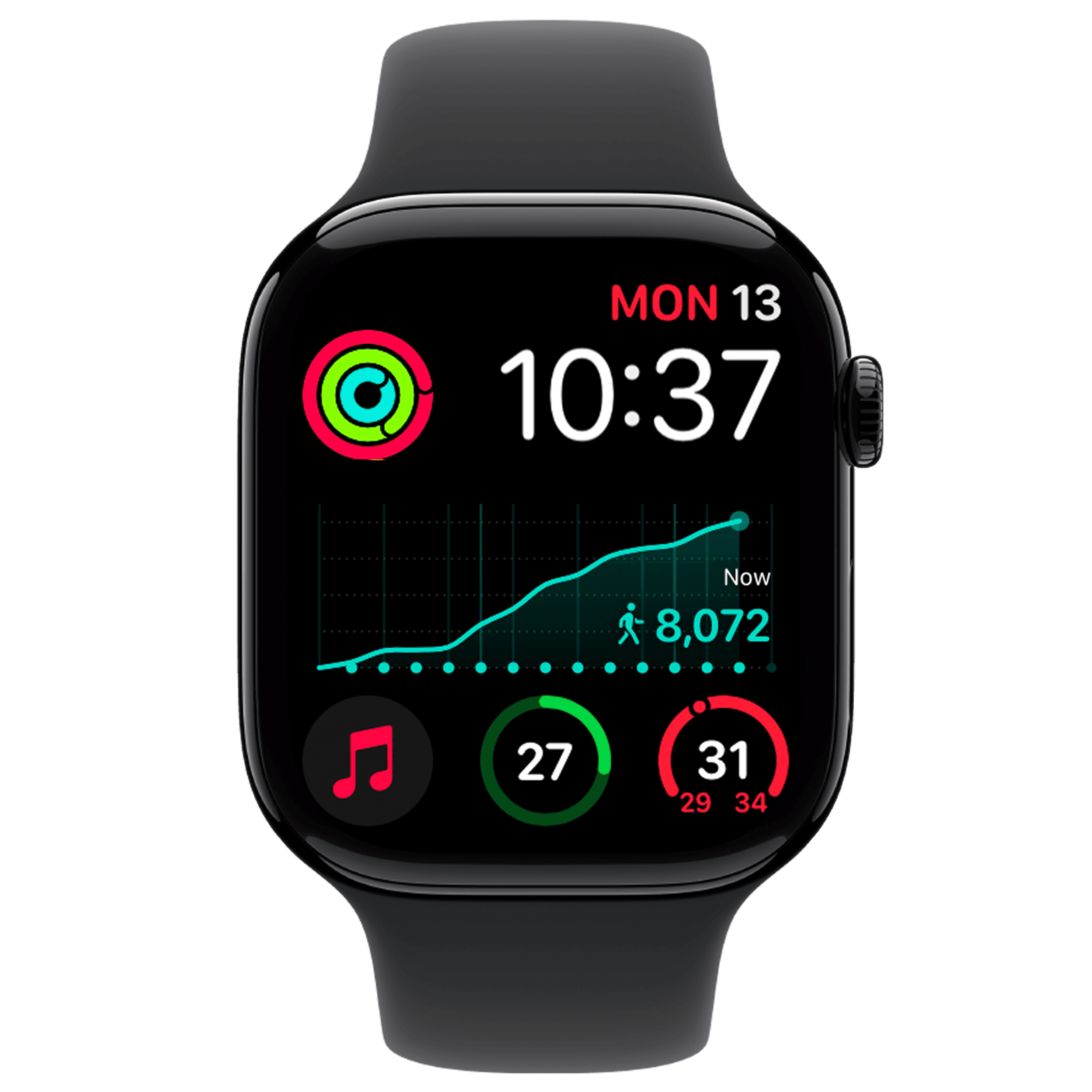
Steps Widget projects your end-of-day step count on your iPhone and reminds you only when you are heading for a miss — with your Apple Health steps on every screen you already look at.
Widget gallery
Choose the step widget style that fits your day.
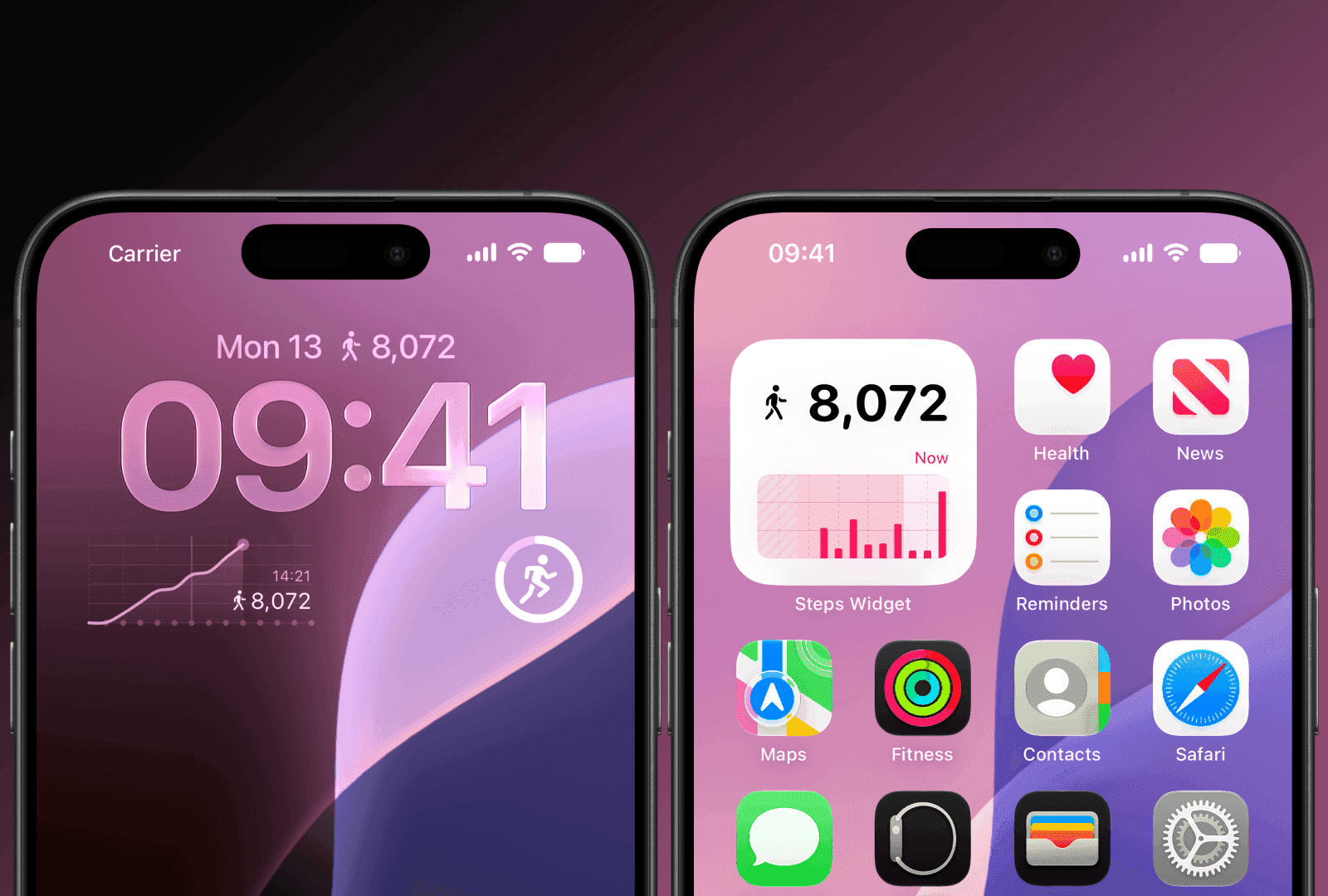
Minimal step counts, progress rings, hourly charts, and Lock Screen views keep your progress visible across iPhone, Apple Watch, and Mac.
Step data
Read from Apple Health on device
The model
Trains and runs on your iPhone
Account
None — there is nothing to sign in to
Reminders
Free, including every setting
Why hourly timers fail
A reminder that knows what you already did.
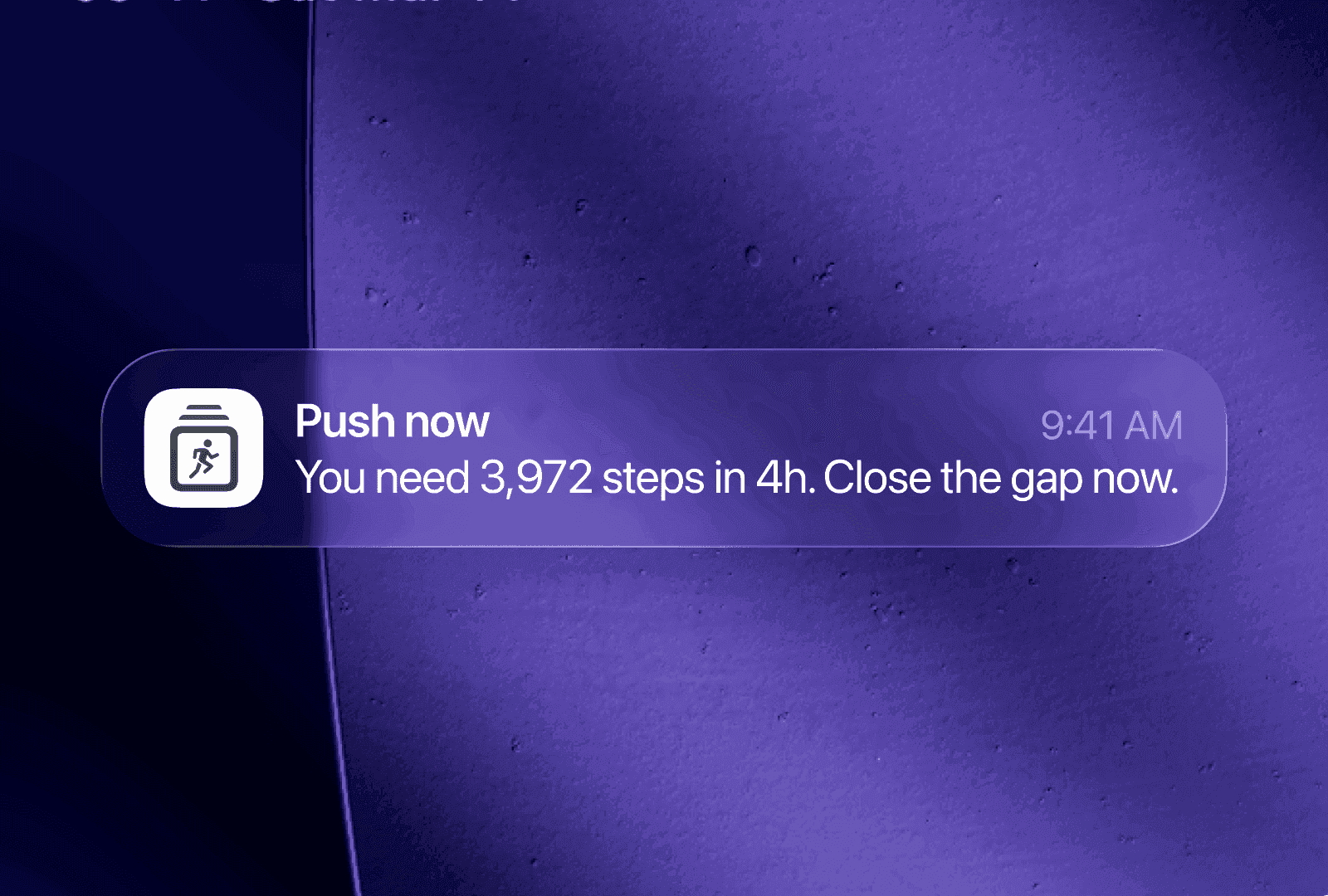
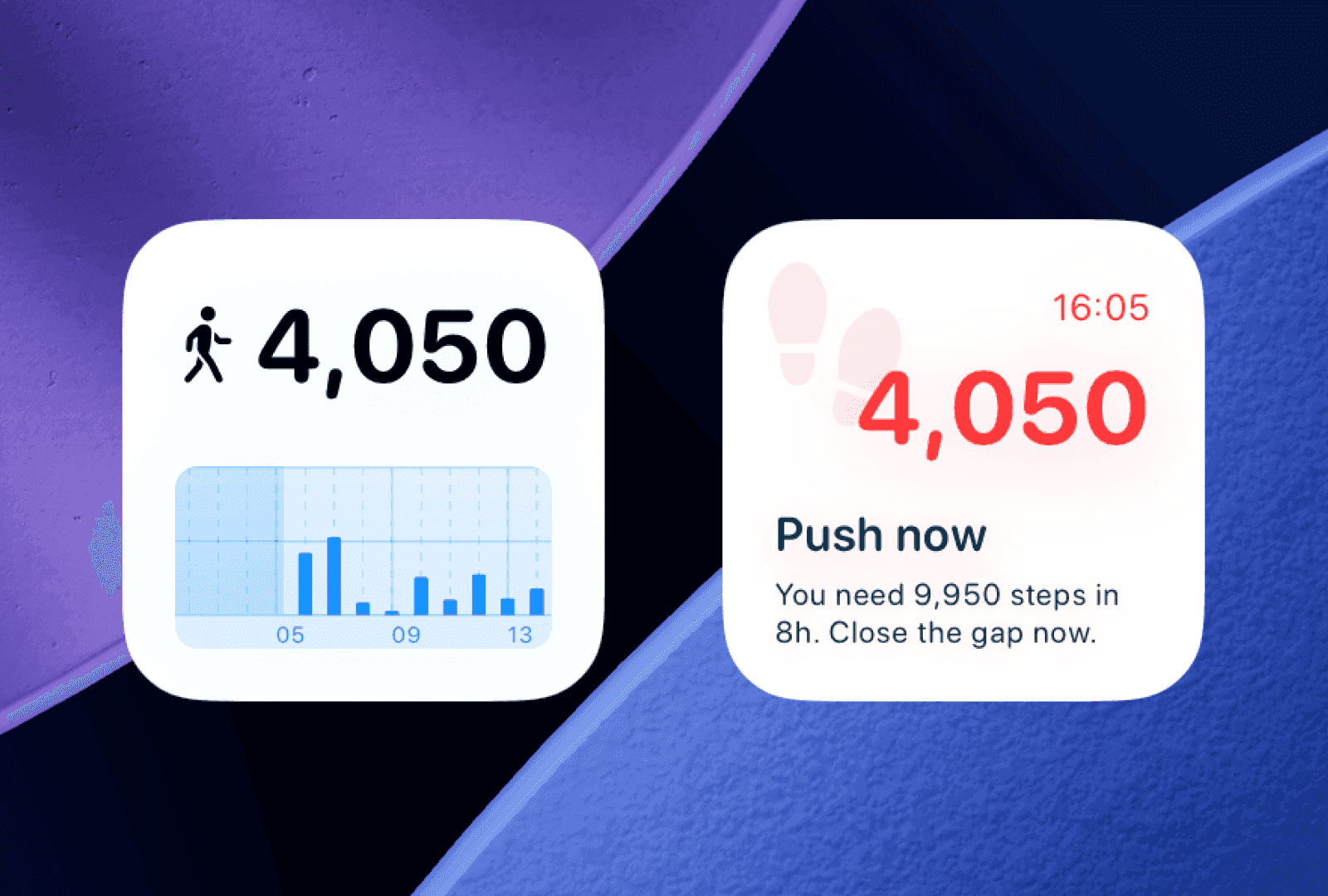
An hourly alarm buzzes whether or not you moved, so it interrupts you when there is nothing to act on and you mute it within a week. Steps Widget decides from a forecast instead.
On-device model
It projects how your day will end
A model on your iPhone predicts the step count you are heading for. A reminder arrives only when that projection falls short of your goal, so a day you are already walking stays quiet.
Describe the tone you want in plain language and each reminder is rewritten on device to match. Encouraging, short and direct, or something of your own.
The Watch counts the walks your phone slept through, delivers reminders as a tap wherever the phone is, and is the only source of the stand hours the chart marks.
Reminders on your wrist
Goal reminders run on Apple Watch itself, so a tap still reaches you when your iPhone is in another room.
Steps at a glance
Three complication styles for any watch face. The rectangular one marks the hours you stood alongside the chart.
Your style, on your wrist
Pick a look that matches your watch face from the wrist. Styles and purchases stay in sync with your iPhone.
The model that decides when to remind you runs on your iPhone, not on a server. There is no account, no social feed, and nothing to sign in to.
The model stays on your phone
Your activity pattern is learned on your iPhone and retrained there. Nothing about your routine is uploaded, and no server is involved in deciding when to remind you.
Three read-only Health types
Step count, stand hours, and your activity summary — read with your permission. The app never writes to Health and never asks for more.
No account, no leaderboard
There is no sign-in, no password, and no social feed. A database that was never assembled cannot leak.
iCloud carries settings only
Your goal, reminder preferences, and widget styles follow you through your own private iCloud. Your step history stays in Apple Health.
Steps Widget is a step counter and goal reminder app for iPhone. A model on your device projects the step count you are heading for, and reminds you when you are on track to miss your daily goal. It also shows your Apple Health steps on the Home Screen, Lock Screen, Apple Watch, and Mac.
How is this different from an hourly stand reminder?
An hourly reminder fires on a timer no matter what you did. Steps Widget projects your end-of-day total from your own step history and only sends a reminder when that projection falls short of your goal, so hours where you are already walking stay quiet.
Can I change how the reminders are worded?
Yes. Describe the tone you want in plain language and Apple Intelligence rewrites each reminder on your device to match. A live preview in Settings shows the exact wording your current day would produce. This requires iOS 26 with Apple Intelligence; otherwise you get the standard wording.
Does the on-device model send my activity anywhere?
No. The model trains and runs on your iPhone, and your step data is not sent to our servers. There is no account to create and no sign-in. Optional iCloud sync keeps your settings consistent across your own devices, using your private iCloud account rather than ours.
What does the app read from Apple Health?
Three read-only types: your step count, your stand hours, and your daily activity summary. It never writes to Apple Health, and it does not request location for step counting. Location is used only if you turn on Local Sunset, which shifts evening reminders earlier.
Is Steps Widget free?
The app is free to download with no ads at any tier, and the entire reminder system is free, including the on-device model and every setting behind it. An optional Customization purchase adds extra widget styles and colours, available as a one-time purchase or a subscription.
Can I show my step count on the iPhone Lock Screen?
Yes. Add a Steps Widget Lock Screen widget to keep your current step count visible without opening a fitness app.
Can I put the widget on my Mac?
Yes. On macOS Sonoma or later the Mac can show your iPhone widgets over Continuity, so your step count can sit on the desktop you are already working at. There is no separate Mac app to install.
Does Steps Widget support Apple Watch?
Yes. Steps Widget runs on Apple Watch with its own settings and goal reminders, so you are notified even when your iPhone is not nearby. You can change styles and buy the unlock from the wrist, and purchases sync with your iPhone automatically.
Why is my step widget not updating right away?
iOS manages widget refreshes to preserve battery life, so updates are not instant. Apple Health also shares step updates roughly once an hour. If it looks stuck, check Apple Health permission and open Steps Widget once. Turning on Motion Sensor reads the pedometer directly for a fresher count.
Sit less. Move more.
Free to download, no ads at any tier, and the reminders cost nothing.