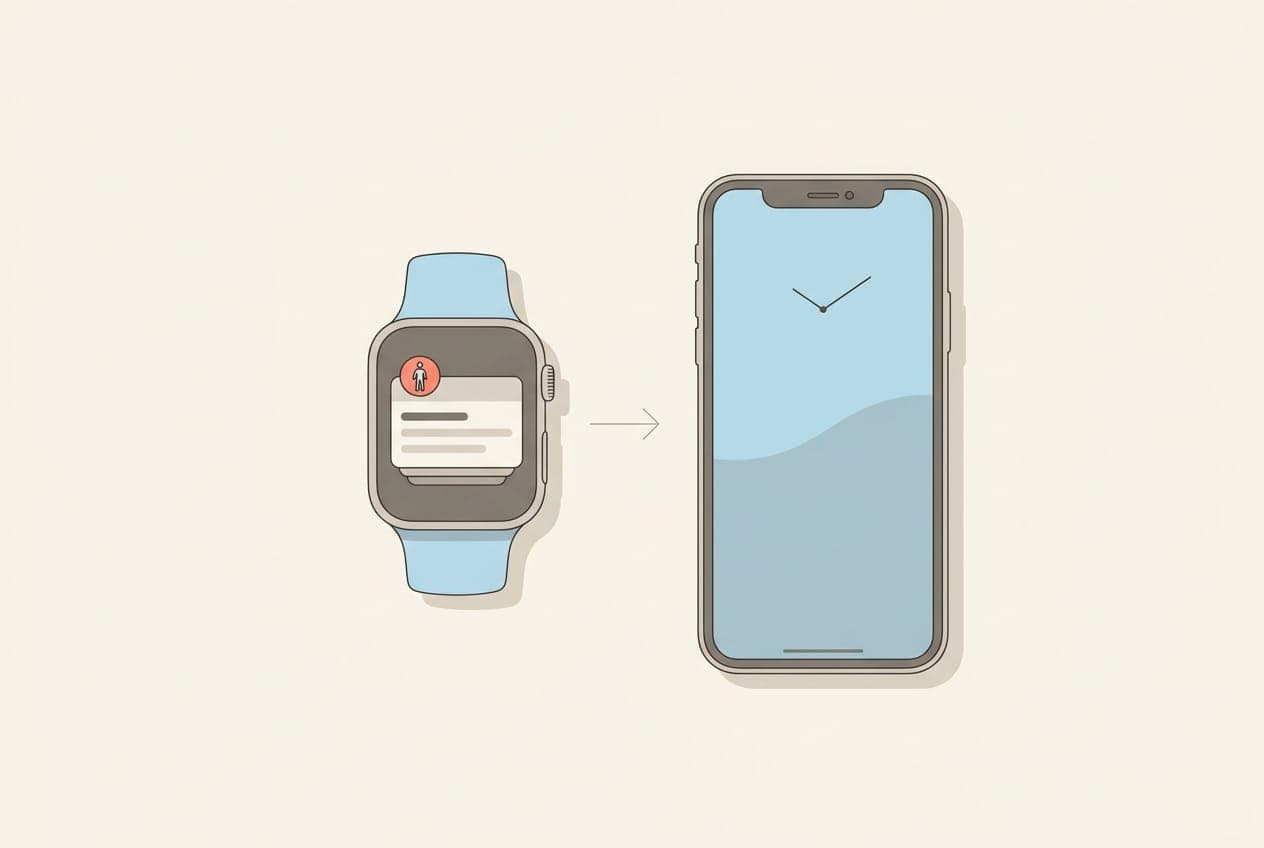
No. The iPhone has no built-in stand up reminder. That feature belongs to Apple Watch, which sends a "Time to Stand" notification at 50 minutes past the hour if it has not detected you standing. On an iPhone alone, nothing in iOS will tell you to get out of your chair.
This surprises people because iPhone clearly knows you have been sitting — it counts your steps all day. It just does nothing with that information.
Here is exactly what iOS does and does not offer, why the obvious workarounds disappoint, and what actually solves it.
Why the iPhone cannot do this on its own
The reason is sensors, not software.
Apple Watch tracks standing by detecting that your arm has moved to a standing position and stayed there for at least a minute within the hour. That measurement needs a device on your wrist. An iPhone in your pocket, or face-up on your desk, cannot tell the difference between you sitting still and you standing still.
You can see this limitation in Apple's own app. Since iOS 16, the Fitness app has been available on iPhone without an Apple Watch, but it shows only the Move ring. The Exercise and Stand rings do not appear unless a Watch is paired, because the iPhone has no way to measure them.
No Stand ring means no Stand goal, and no Stand goal means no stand reminder. It is a straight chain.
What Apple Watch actually does, and its limits
If you do own an Apple Watch, you already have this. Stand Reminders arrive at :50 past the hour when the watch has not registered standing during the first 50 minutes, and you manage them in the Watch app on your iPhone under My Watch → Activity.
Two limits are worth knowing before you rely on it.
It cannot be customised. Stand Reminders are on or off. You cannot change the interval, set active hours, or adjust the timing. If :50 past the hour is a bad moment in your calendar, that is simply when it fires.
It measures standing, not moving. Standing up beside your desk for a minute closes it. You can satisfy the Stand ring every hour of a working day without having walked anywhere, which is a real gap given that the health concern with desk work is inactivity rather than the seated posture itself.
And of course it only works when you are wearing the watch. On the days it is on the charger, you get nothing.
The iPhone workarounds, and why they disappoint
If you search for this, you will be told to use the Clock app or the Reminders app. Both technically work. Both fail for the same reason.
Repeating Clock alarms. Set an alarm for each hour of your workday. It fires on schedule regardless of what you did. Walked to a meeting five minutes ago? It fires anyway. It also cannot distinguish a workday from a Sunday without you rebuilding the schedule.
The Reminders app. You can create a daily repeating reminder to stand. Same problem — it is a calendar entry, not a response to your behaviour — with the extra friction of clearing completed items.
Focus modes and Screen Time. Neither is designed for this. Screen Time limits app usage, which is a different problem, and Focus modes suppress notifications rather than create them.
The common failure is that all of these are timers. They fire on the clock, not on your actual activity. A reminder that buzzes right after you walked across the office teaches you it is not worth reading, and within a fortnight you are dismissing it without looking. That pattern is worth understanding in detail, because it is the reason most people abandon movement reminders: why hourly stand up reminders fail.
What does work on an iPhone
Your iPhone cannot detect standing. But it counts steps continuously on a low-power motion coprocessor, and stores them in Apple Health.
That is the workaround the sensors allow: instead of asking have you stood up, ask have you moved. Step data answers that, and it is arguably the better question. Movement is what the research on sedentary behaviour actually cares about, not the act of standing.
A third-party app can read that step data and only prompt you when you have genuinely been still. Nothing built into iOS does this, which is why the App Store has a large category of stand-up and movement reminder apps. We compared the main options, including where each beats the others, in the best stand up reminder apps for iPhone.
Steps Widget is our take on it: a model on your iPhone learns your activity pattern, the nudge only arrives after you have really been sitting, and your daily step count is how you see whether the walk actually happened. The reminders are free.
Should you buy an Apple Watch just for this?
Probably not, if this is the only reason.
An Apple Watch is a significant purchase to solve a problem a free or inexpensive iPhone app also solves — and solves differently rather than worse, since a step-based nudge responds to movement while the Watch responds to posture.
Buy the Watch for workout tracking, heart-rate data, notifications on your wrist, or the many other things it does well. The stand reminder is a small feature within a large device, and it is the least customisable part of it.
If you already own one, use it. If you do not, you are not missing much here. More on working without one: how to track steps on iPhone without an Apple Watch.
Frequently asked questions
Does the iPhone have a stand up reminder? No. iOS has no built-in stand or move reminder. The feature exists only on Apple Watch, which sends a Time to Stand notification at 50 minutes past the hour when it has not detected standing. On iPhone you need a third-party app.
Why does my iPhone Fitness app not show a Stand ring? Because measuring standing requires an Apple Watch on your wrist. Without a paired Watch, the Fitness app on iPhone shows only the Move ring. Exercise and Stand cannot be measured by an iPhone in your pocket.
Can I set an hourly reminder to stand using the Clock app? Yes, but it fires on a fixed schedule regardless of whether you already moved. Most people mute these within a couple of weeks, because a reminder arriving straight after a walk trains you to ignore it.
Can I change how often Apple Watch stand reminders appear? No. Stand Reminders can only be turned on or off in the Watch app under My Watch then Activity. The interval and timing are fixed and cannot be adjusted.
Is standing the same as moving? No, and the difference matters. Standing beside your desk for a minute satisfies the Apple Watch Stand ring without you having walked anywhere. Health guidance on desk work is concerned with prolonged inactivity, so a short walk is more useful than simply standing up.
Do I need an Apple Watch to get movement reminders on iPhone? No. Your iPhone already counts steps using its built-in motion sensors, and a third-party app can read that data from Apple Health to nudge you when you have been inactive. An Apple Watch adds wrist notifications but is not required.
Key takeaways
| Question | Answer |
|---|---|
| Does iPhone have a built-in stand reminder? | No. Only Apple Watch does. |
| Why not? | Detecting standing needs a wrist sensor. An iPhone cannot tell sitting still from standing still. |
| What does the Fitness app show without a Watch? | The Move ring only. No Exercise or Stand ring. |
| Can Apple Watch stand reminders be customised? | No. On or off only, fixed at 50 minutes past the hour. |
| Do Clock or Reminders alarms work? | They fire, but on a timer, so they ignore movement you already did. |
| What actually works on iPhone? | A third-party app reading your Apple Health step data, nudging you based on real inactivity. |
The short version: your iPhone knows you have been sitting, it just has no built-in way to say so. Apple gave that job to the Watch. If you do not wear one, a step-aware app is the way to close the gap.
Recommended posts
Try Steps Widget
Keep your daily steps visible on iPhone, Lock Screen, Home Screen, and Apple Watch with a private Apple Health step counter widget.