How goal reminders work
An on-device Core ML model projects your end-of-day step total, and a reminder fires only when that projection falls short of your goal.
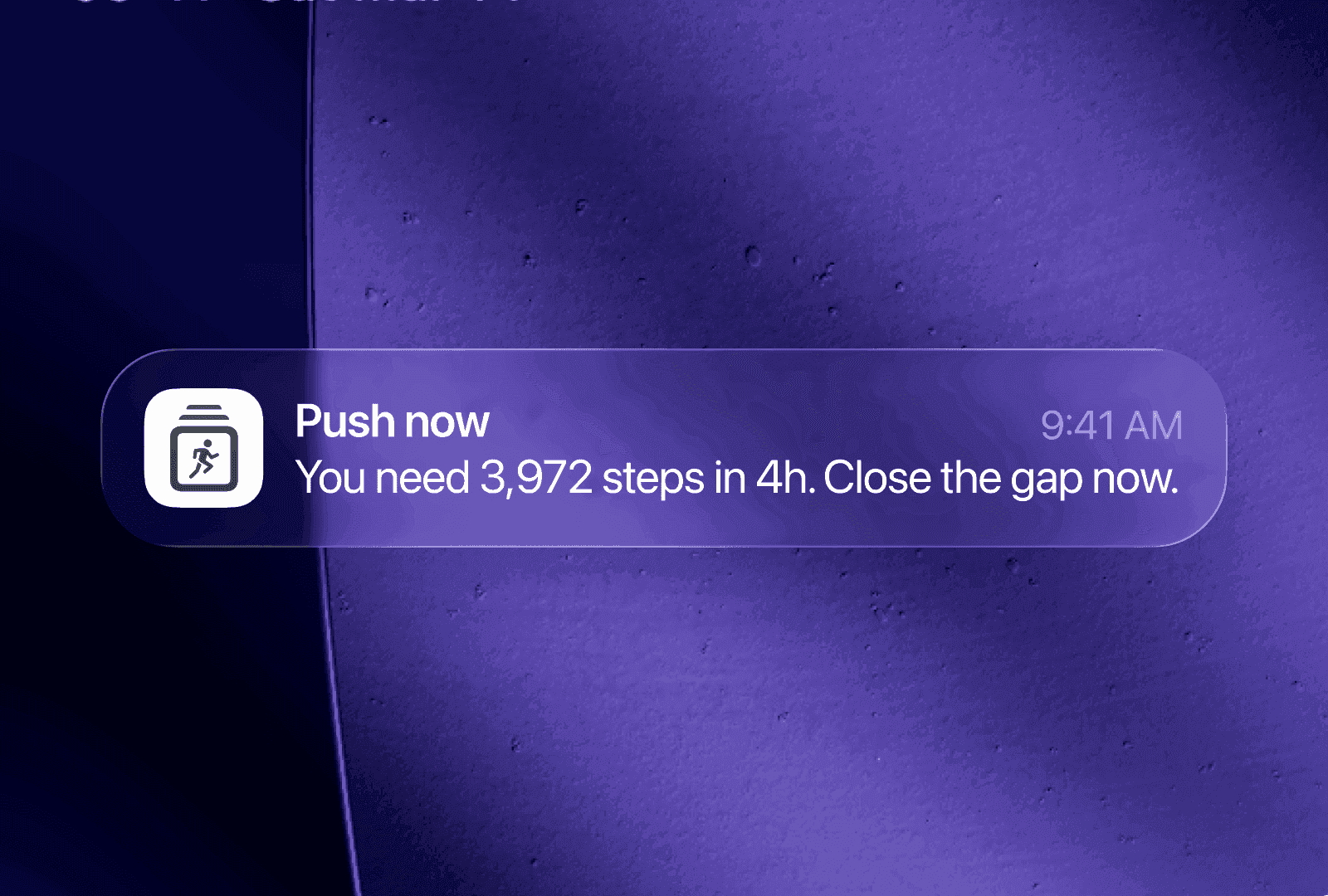
Steps reminds you based on a forecast rather than a timer: a model on your iPhone projects how many steps you will finish the day with, and a reminder fires only when that projection falls short of your goal. This is why no reminders arrive on a day you are already walking enough.
The projection
The model is a Core ML regressor that runs entirely on your device. It takes four numbers:
| Input | Range |
|---|---|
| Hour of day | 0–23 |
| Weekday | 0–6 |
| Day of month | 0–30 |
| Steps so far today | 0+ |
And it outputs one: expected end-of-day steps.
The calendar inputs let it distinguish your weekdays from your weekends, and the start of a month from the middle. The projection is based on your own history rather than an average.
From projection to a decision
The projection becomes a risk score between 0 and 1, measuring how far short of your goal you are heading:
risk = 0.5 + 0.5 × (goal − projected) / goal
A projection that lands exactly on your goal scores 0.5. Projecting well over scores below it; projecting short scores above. A reminder fires when the risk clears the threshold:
| Threshold | |
|---|---|
| Normal | 0.615 |
| After local sunset, if Local Sunset is on | 0.565 |
The evening threshold is lower because there is less time left to close a gap, so a shortfall that did not warrant a reminder at 2pm may warrant one at 8pm. See Reminder timing and devices.
What you actually receive
The message is chosen from the risk score, so a reminder tells you where you stand:
| State | When | Message |
|---|---|---|
| Goal hit | You are already past your goal | Goal hit 🎉 Feeling good? A few hundred more makes it a great day. |
| Strong lead | Risk below 0.475 | You're N steps ahead. Keep moving and protect the lead. |
| Steady pace | Risk below 0.525 | You're on track — about N steps to go. Keep the rhythm. |
| Push now | Risk 0.525 and above | N steps in Nh — a short walk gets you there. |
Only states at or above the threshold are delivered. The lower ones are still generated for the app and the widgets, so you can see the wording your current day would produce.
With Apple Intelligence available, this templated copy is then rewritten in a tone you choose — see Reminder messages.
It learns your routine
The bundled model is a starting point, and it then personalises on your device.
Once a day, Steps records a training row: the calendar features, your steps, and — after the day rolls over — what you actually finished with. Rows are capped at the most recent 365, and the model retrains on device against that history. Nothing is uploaded; there is no server involved in training.
It also detects changes in your routine. When your step pattern for a given hour shifts persistently, the app flags it, shows a small indicator on the widget, and retrains against the new pattern.
You can see the training state in Settings, under the Goal Reminder toggle. That row normally cycles through short explanations of the feature, and switches to a warning only if a training run failed.
If the model is unavailable
There is a hand-tuned fallback. When no model output is available, the risk score is computed from four ingredients instead:
- How far behind a perfectly even day you are
- The pace you would now need per hour
- Whether Health has gone quiet for over an hour
- How late in the day it is
Reminders continue to work in this case, and the app does not report the difference, because the decision it produces is the same kind.
Why not just remind me hourly?
An hourly timer has no knowledge of what you did. It fires whether or not you walked, so it can interrupt you when there is nothing to act on. Reminders like that tend to get muted, and a muted reminder has no effect on how much you move.
Projecting forward also means the reminder arrives while there is still time to act on it. Being told at 10pm that you missed your goal is only a record; being told at 4pm that you are heading for 6,000 against a goal of 8,000 still leaves you a choice.
Why does it ask for movement rather than standing?
Standing up satisfies most stand reminders without you having gone anywhere. Steps measures steps, so the only way to change the projection is to take some. The app does read your Apple Watch stand hours, but only to mark them in the hourly chart as context.
What to read next
- Reminder messages — choose the tone, on device.
- Reminder timing and devices — hours, sunset, and which device sends.
- Reminders not arriving — when nothing fires.
Was this page helpful?
Steps Widget projects your end-of-day step total on device and reminds you only when you are heading for a miss — with your Apple Health count on every screen you already look at.
See how it works