Steps not counting
Work through the recording chain — motion tracking, Health permission, data sources, and where you carry the phone — when your count stays at zero or reads low.
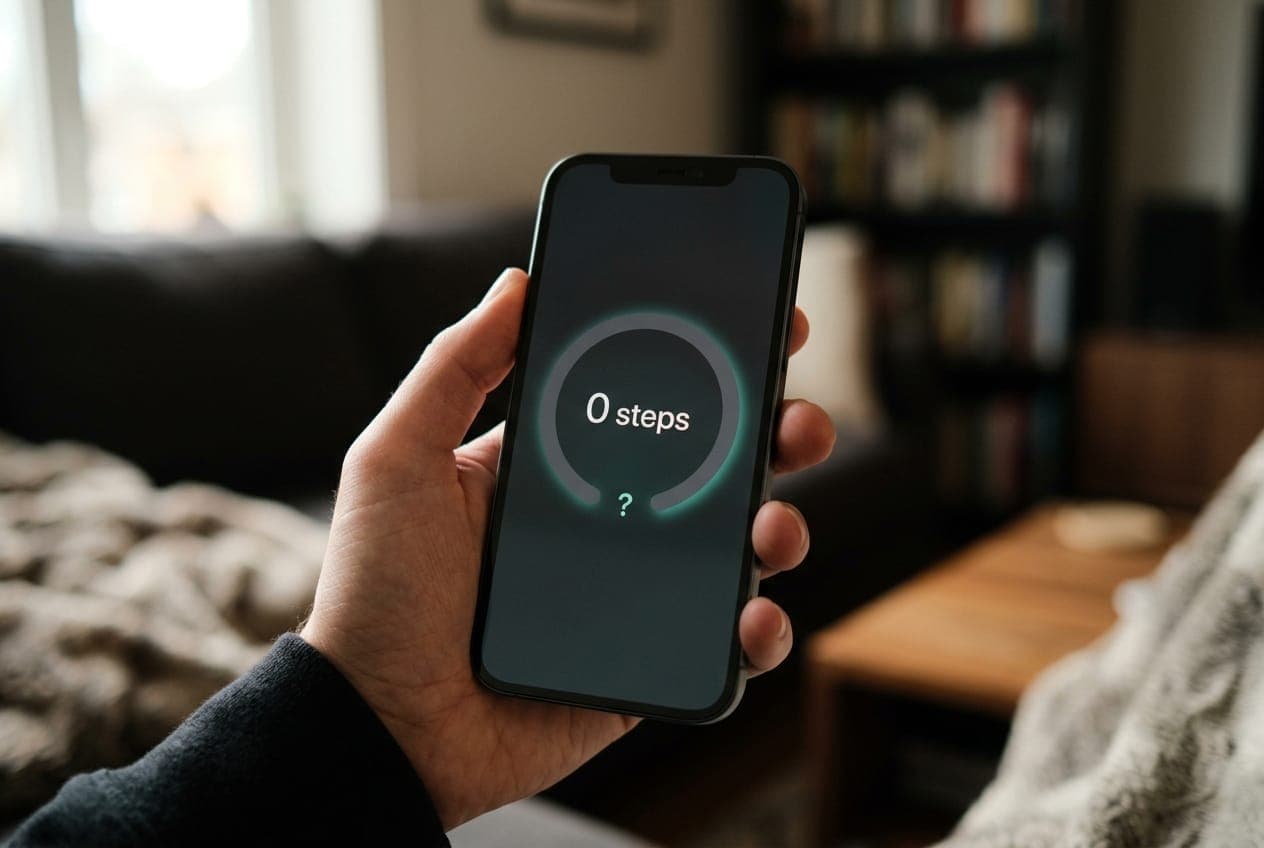
The cause is almost never the hardware. The iPhone's motion coprocessor is extremely reliable — it is nearly always a switch somewhere between the sensor and the widget. The checks below are ordered by how often they turn out to be the answer.
1. Is Fitness Tracking on?
The most common cause, and it disables step recording for every app on the phone including Apple's own.
- Settings › Privacy & Security › Motion & Fitness.
- Turn on Fitness Tracking.
- Confirm Health is enabled in the app list below.
Note: Turning Fitness Tracking back on starts recording from that moment. It does not backfill the hours it was off, so a day that looks partly missing will stay that way.
2. Does the Health app show your steps?
This splits the problem in half. Open Health › Browse › Activity › Steps and look at today.
Health has steps, the widget does not — the recording chain is fine; the problem is between Health and the app. Go to step 3.
Health has nothing either — the steps were never recorded. Skip to step 4.
3. Check Steps Widget's Health permission
HealthKit denies access silently: an app without permission is told the data does not exist, which is why you see zero rather than an error.
- Health › your profile picture › Apps and Services.
- Tap Steps Widget.
- Turn on the step, stand hour, and activity summary types.
- Open Steps once so it can read the newly available data.
4. Are you carrying the phone?
An iPhone counts steps from motion, so it only counts steps it is present for. Steps taken with the phone on your desk, in a bag on a trolley, or in a jacket on a chair do not exist as far as the sensor is concerned.
Pocket, hand, and armband all work well. A loose bag counts less reliably, because the phone swings rather than moving with your body. This is also why an Apple Watch usually reports more steps than an iPhone — it is with you continuously.
5. Check your data sources
If several devices or apps write steps to Health, source priority decides whose numbers win.
- Health › Browse › Activity › Steps.
- Scroll to the bottom, tap Data Sources & Access.
- Review the list and its order — devices higher up take precedence.
Apple Health de-duplicates overlapping steps from an iPhone and an Apple Watch, so the merged total is deliberately not the sum of both. A third-party app writing inflated or duplicate data is worth removing from the list.
6. Check the step window
Before assuming steps are missing, confirm you are looking at the window you think you are. With Day Ends At set to 3:00 AM, a walk at 1am counts toward yesterday — so today can legitimately look empty at 2am. With Last 24-Hour on, the number is a rolling total rather than today's.
See the step window.
7. Check Low Power Mode and Background Refresh
Low Power Mode reduces background activity, which delays how promptly step data is processed and surfaced. Check Settings › Battery, and confirm Background App Refresh is enabled for Steps Widget in Settings › General › Background App Refresh.
8. Restart, then test
If everything above is correct, restart the iPhone — this clears temporary glitches in the motion pipeline and resolves most remaining cases.
Then run a deliberate test: walk about a hundred steps with the phone in your pocket, wait a minute or two, and open the Health app. If Health registers them, the recording chain works and anything left is a refresh problem — go to Widget not updating.
If Health registers nothing after a restart and a test walk, check Settings › General › Software Update. Motion tracking bugs are occasionally fixed in point releases.
Why does my Apple Watch show more steps than my iPhone?
Because the Watch is on your wrist all day and the phone is not. Every trip to the kitchen without your phone is a gap in the iPhone's count and not the Watch's.
Neither is wrong — they measured different things, because they were in different places. Health merges them into one daily total, which is the figure Steps shows. The Live Activity shows both contributions separately if you want to see the split.
Why did my step count drop or change?
Health recalculates a day when a new source syncs. If your Apple Watch uploads a walk hours later, Health merges and de-duplicates, and today's total can shift as a result.
That is normal reconciliation, not lost data. The number settles once every source has reported.
My count is behind during walks but correct later
That is Apple Health's roughly hourly sync cadence, not a fault — the steps are recorded, just not merged yet. Turn on Motion Sensor in Settings to fill that gap from the pedometer and watch the number move while you walk — see Motion Sensor.
What to read next
- Widget not updating — data exists but the widget is stale.
- Connect Apple Health — permissions in full.
- Motion Sensor — fresher numbers.
Was this page helpful?
Steps Widget projects your end-of-day step total on device and reminds you only when you are heading for a miss — with your Apple Health count on every screen you already look at.
See how it works